> For the complete documentation index, see [llms.txt](https://docs.coupler.io/llms.txt). Markdown versions of documentation pages are available by appending `.md` to page URLs; this page is available as [Markdown](https://docs.coupler.io/functionality/preview-data/data-types-and-formatting.md).
# Data types and formatting
Set and format data types in Coupler.io — choose from string, number, date, and datetime types with precision controls for currency, percent, and decimal values.
Coupler.io allows user to work with different data types, so you can represent your data appropriately using specified format and use proper filtering / sorting options.
### String
String data type stands for alphanumeric characters.
*Examples:*
* `this is a string value`
* `string`
* `123text`
* `Hello!`
### Number
Number data type stands for numeric values. Coupler.io supports different data types and formats along with precision described below.
{% tabs %}
{% tab title="Integer" %}
Whole numbers.
*Examples:*
* `0`
* `-1`
* `99999999`
{% endtab %}
{% tab title="Decimal" %}
Numbers with a decimal point.
*Examples:*
* `0.1`
* `-0.1243`
* `11.78`
{% endtab %}
{% tab title="Decimal with precision" %}
Number of digits after decimal point.
*Examples:*
* precision `1.0`: 12.3
* precision `1.00:` 22.74
* precision `1.000000:` 0.851789
{% endtab %}
{% tab title="Percent" %}
Percent representation of a numerical value. Can be used with precision
*Examples:*
* `0.2%`
* `99%`
* `-11%`
{% endtab %}
{% tab title="Currency" %}
Currency representation of a numerical value. Can be used with precision
*Examples:*
* `$10`
* `UAH 12`
* `£2`
{% hint style="info" %}
**Note:** Coupler.io uses USD as the default currency. If your data is in a different currency, you can change this in the column settings.
To change the currency: open **Data preview**, click the 3 lines next to the column name to **Edit column**, set **Format** to **Currency**, then select your currency from the **Currency** dropdown.
{% endhint %}
{% endtab %}
{% endtabs %}
###
### Date and DateTime
Stands for date or datetime values.
Make sure that you have in the source needed columns in 'Date' or 'DateTime' **ISO format** (e.g. YYYY-MM-DD, YYYY-MM-DD HH:mm).
{% tabs %}
{% tab title="Date" %}
*Examples*
* `2017-05-06`
* `1987-02-27`
{% endtab %}
{% tab title="DateTime" %}
*Examples:*
* `2023-07-11T14:10:33.682Z`
* `2023-07-11T13:20:38.489Z`
{% endtab %}
{% tab title="Time Zone" %}
When dealing with Date or DateTime types, you would even have the option to specify which Time Zone to follow:
{% endtab %}
{% endtabs %}
### Boolean
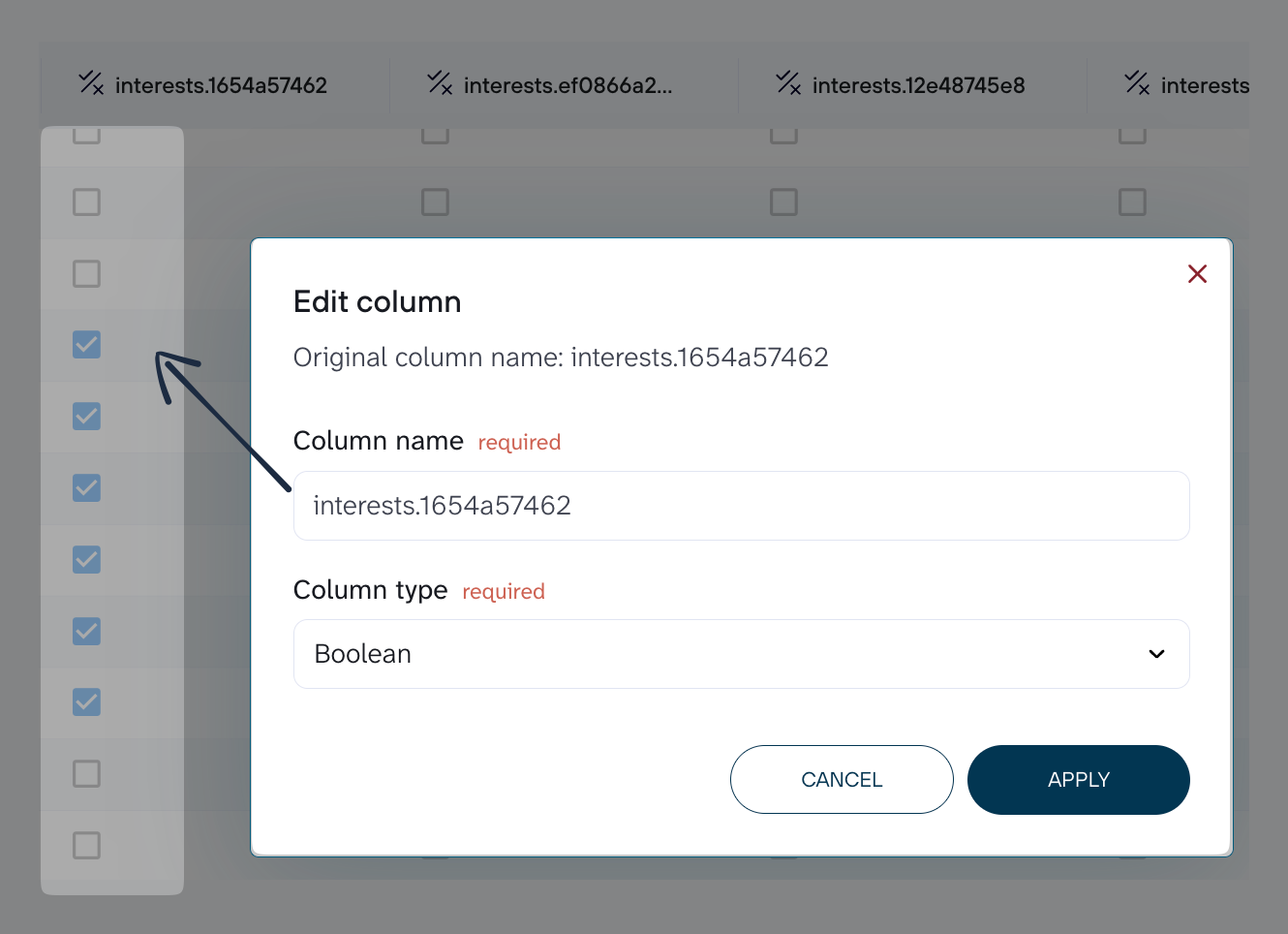
Boolean type that has one of two possible logical values: true or false.
**Examples:**
* `TRUE`
* `false`
* `0`
* `t`
---
# Agent Instructions
This documentation is published with GitBook. GitBook is the documentation platform designed so that both humans and AI agents can read, navigate, and reason over technical content effectively. Learn more at gitbook.com.
## Querying This Documentation
If you need additional information that is not directly available in this page, you can query the documentation dynamically by asking a question.
Perform an HTTP GET request on the current page URL with the `ask` query parameter, and the optional `goal` query parameter:
```
GET https://docs.coupler.io/functionality/preview-data/data-types-and-formatting.md?ask=&goal=
```
`ask` is the immediate question: it should be specific, self-contained, and written in natural language.
`goal` is optional and describes the broader end goal you are ultimately trying to accomplish on behalf of the user. GitBook uses it to tailor the answer towards what is most useful for that goal.
The response will contain a direct answer to the question and relevant excerpts and sources from the documentation.
Use this mechanism when the answer is not explicitly present in the current page, you need clarification or additional context, or you want to retrieve related documentation sections.