

Transfer organization ownership
One of the examples, when the migration of organization ownership is required, happens when a user signs up for Coupler.io from their free Google account and later wants to transfer it to a work email address.
Open https://www.coupler.io/app/users page.
Make sure the new owner is on the list of invited users. If not, add an email of a team member you want to transfer organization ownership to.
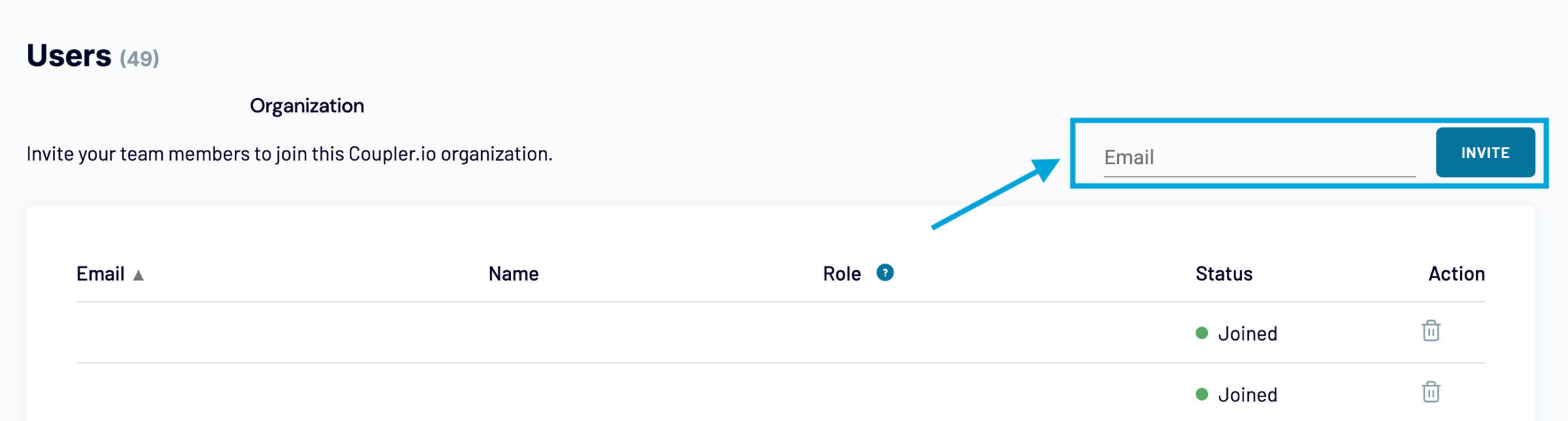
Click 'Invite'.
Assign the "Owner" role to the newly added user.
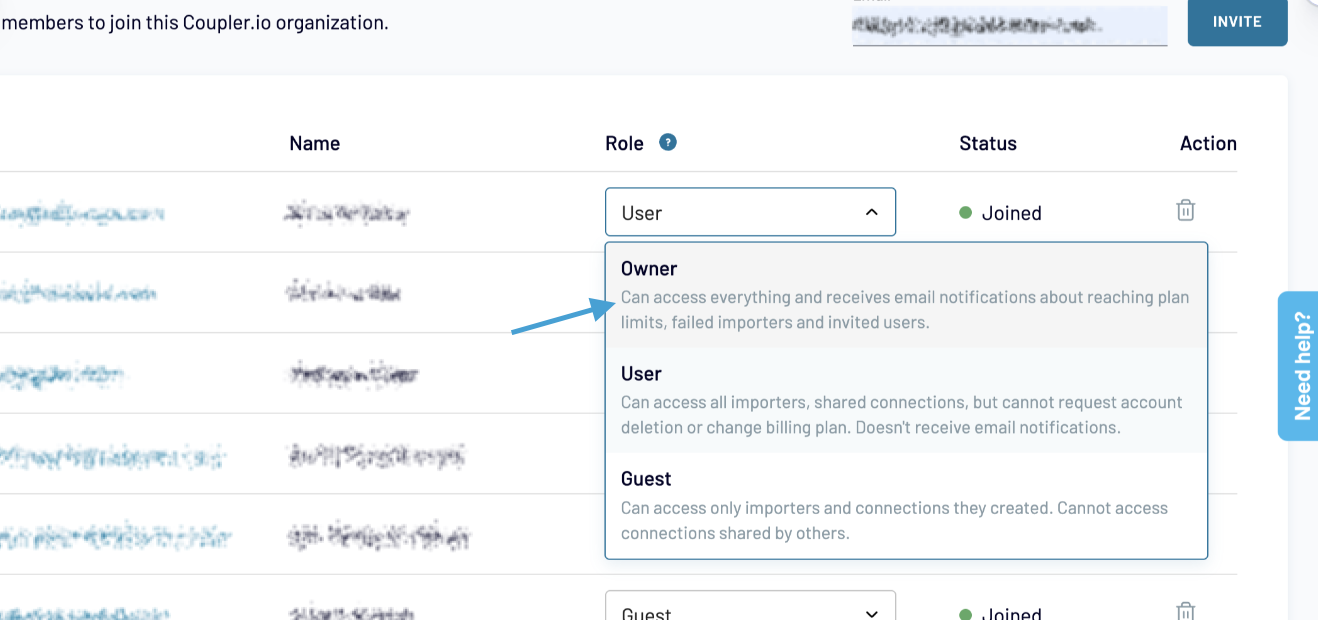
Change the role of the previous user to "User" or delete it from the list.
After that, a new user logs in to Coupler.io and navigates to the Users page https://www.coupler.io/app/users, where he/she can delete the previous user from the organization list.
NOTE
If you need the new owner to keep using the same connections (connected source/destination apps) that were created by the previous owner, make them "Shared" before transferring the ownership:
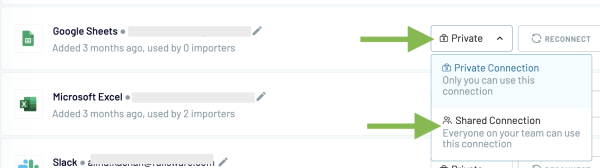
Learn more about managing connected accounts: How to manage connected accounts (sources and destinations)?
Last updated
Was this helpful?