Manage your subscription

Table of contents

1. How to subscribe to a paid plan?

  1. Sign inarrow-up-right to your Coupler.io account.

  2. Select the billing interval that you want to use (annual billing allows you to save 25%).

  3. Select the plan you prefer and click the Subscribe button.

  4. Enter your payment details on the Stripe checkout:
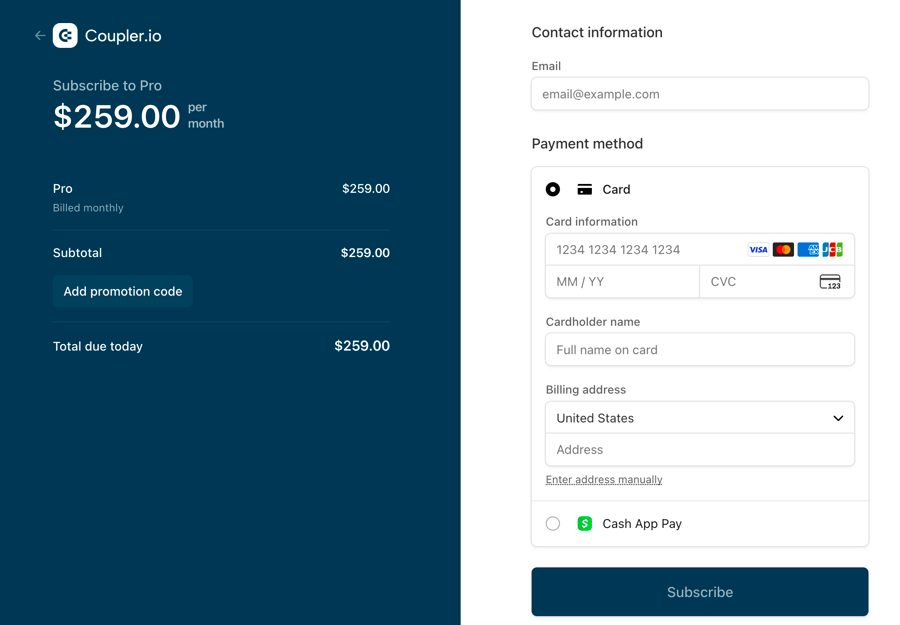
  5. Click the Subscribe button.

2. How to change a subscription plan?
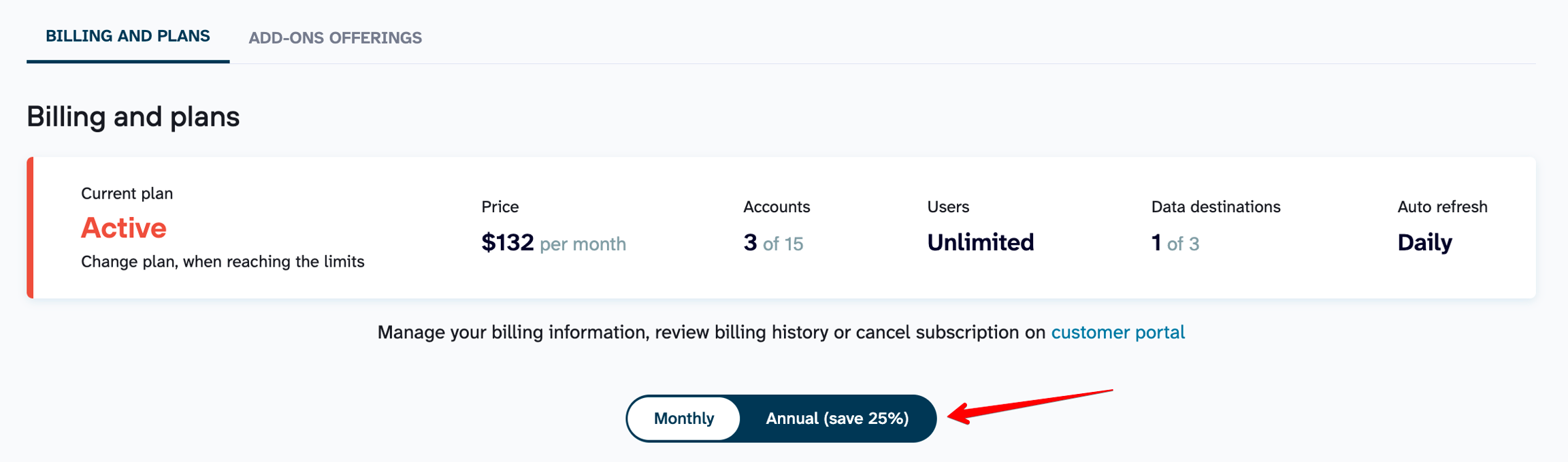
  1. Sign inarrow-up-right to your Coupler.io account.

  2. Select the billing interval that you want to use (annual billing allows you to save 25%).

  3. Select the plan you prefer and click the Subscribe button.

You can upgrade your subscription plan (subscribe to a more expensive plan) or downgrade it (subscribe to a cheaper plan).

You can also subscribe to the same plan but with a different billing interval (i.e. swipe monthly payment to annual or vice versa).

3. How to cancel a subscription?

  1. Sign inarrow-up-right to your Coupler.io account.

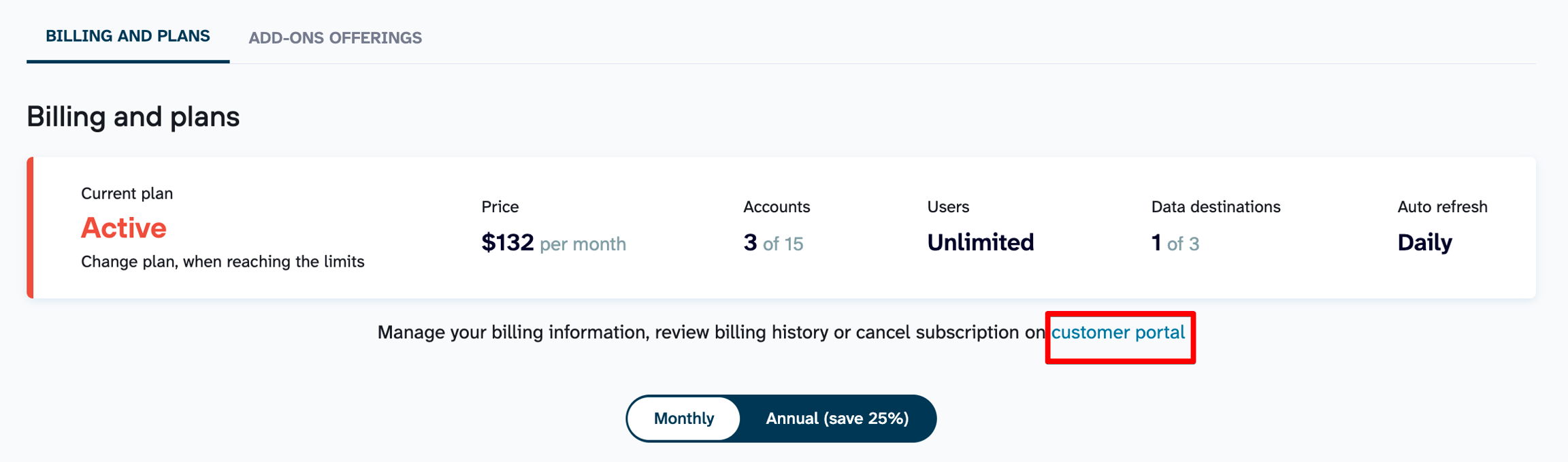
  2. Click on the Customer Portal link at the top of the page.

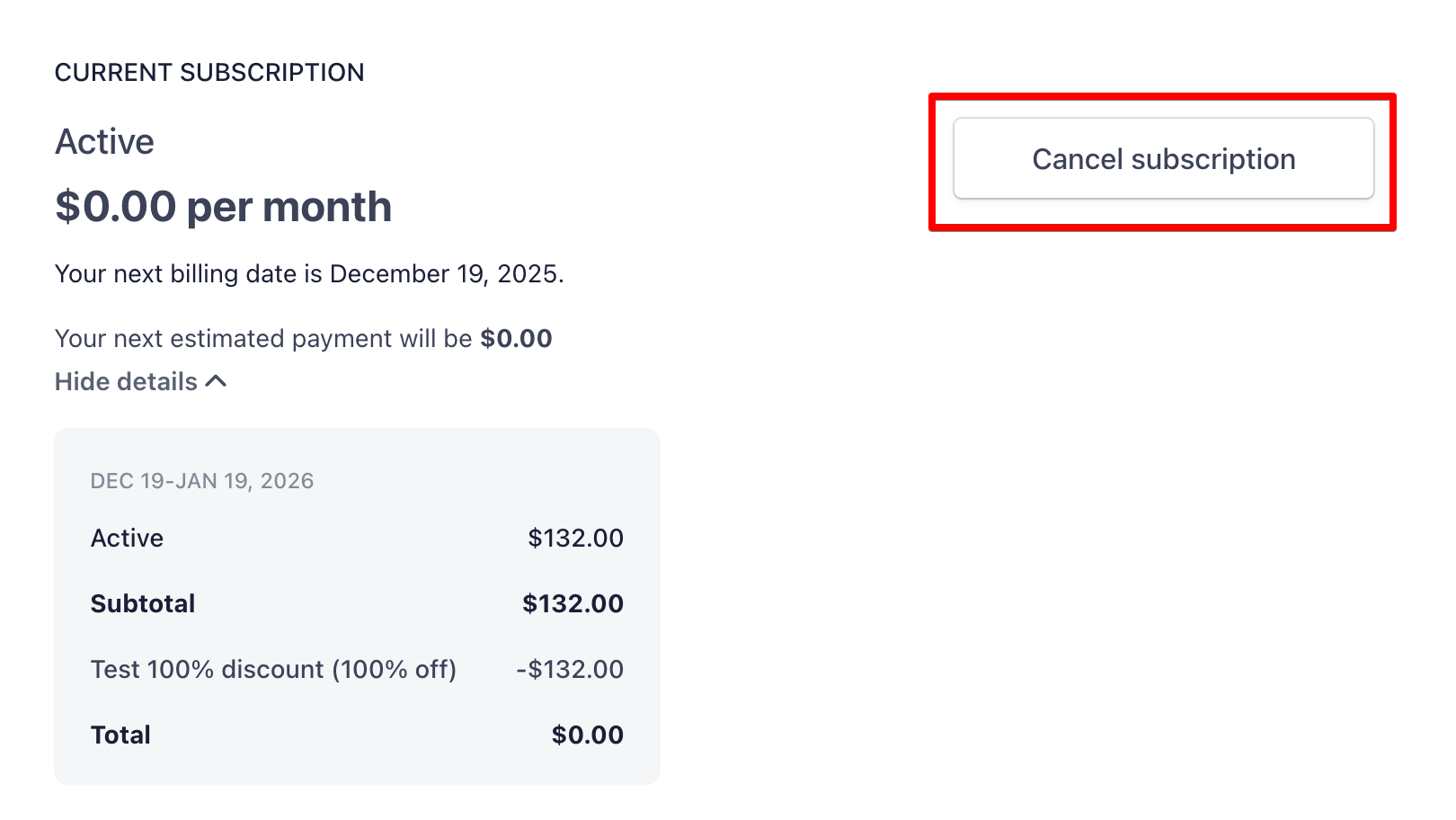
  3. Click the Cancel plan button:

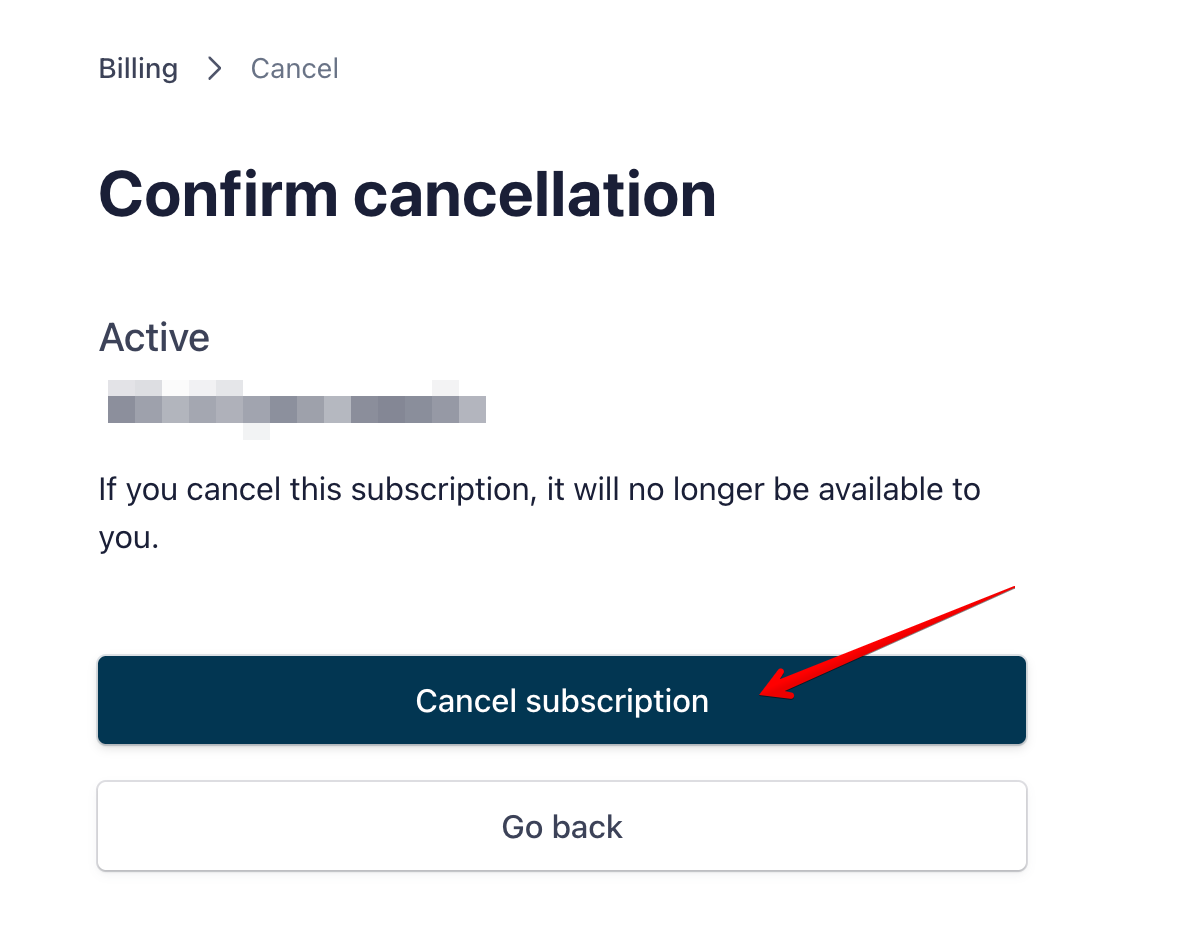
  4. Confirm your decision by clicking on the Cancel plan button:

Your account will be automatically switched to the Free plan.

For more details please review our article " What happens when I upgrade / downgrade my subscription?arrow-up-right".

Last updated

Was this helpful?