

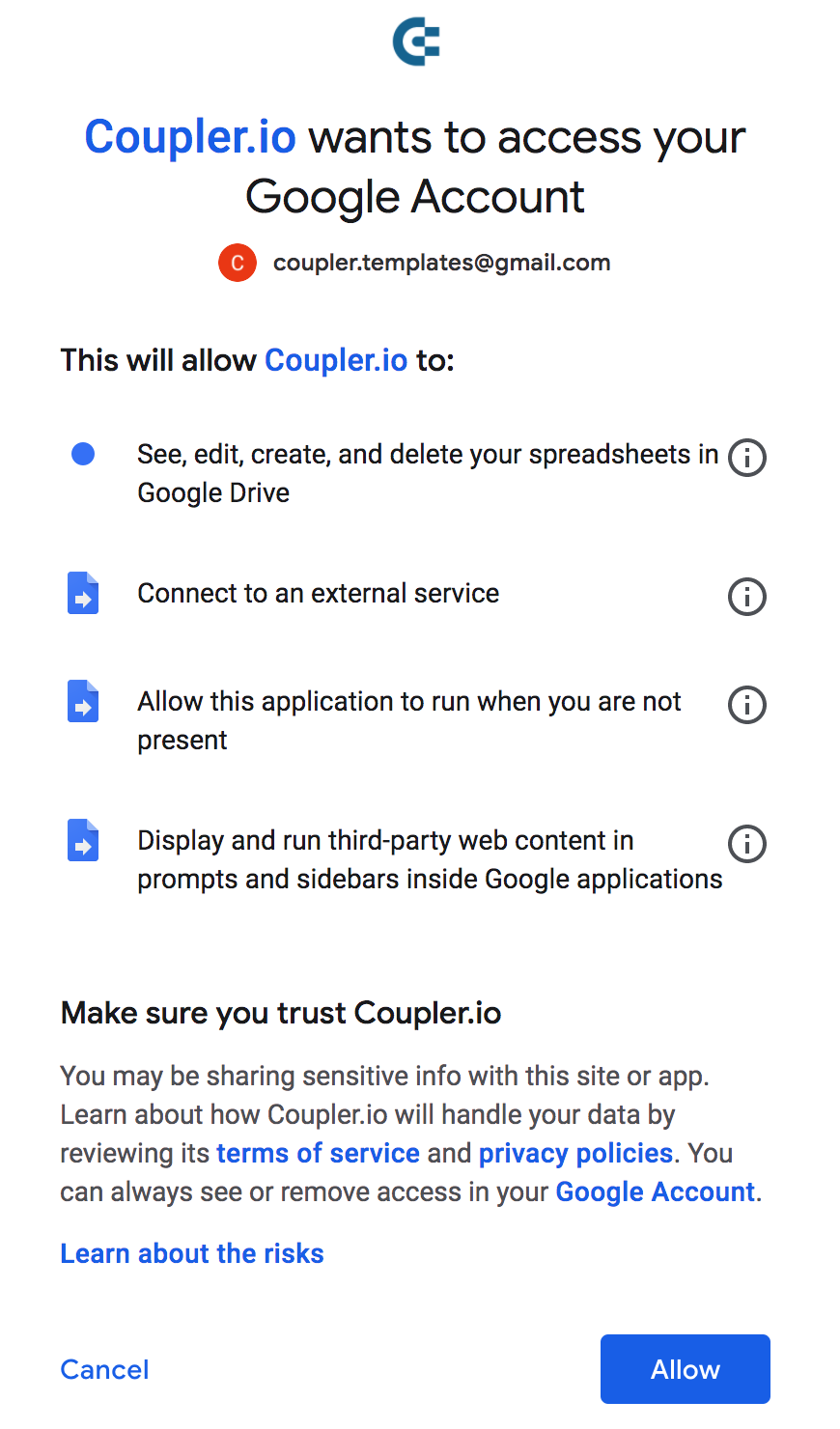
Why does Coupler.io add-on ask permission to access my Google Account?
Table of contents
1. See, edit and create your spreadsheets in Google Drive
2. Connect to an external service
3. Allow this application to run when you are not present
4. Display and run third-party web content in prompts and sidebars inside Google applications
PreviousTroubleshooting: drive.google.com refused to connectNextFAQ: What data flows does Google Sheets add-on display?
Last updated
Was this helpful?